Green: A Handwritten Font for Creative Web Design
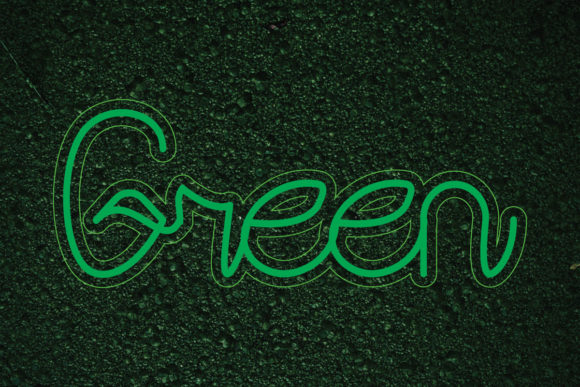
As a web designer, finding the right typeface can make or break the visual appeal and functionality of your digital projects. Green is a unique, handwritten font that brings a playful and quirky touch to any design. With its sloppy yet charming style, Green is perfect for adding a personal, handcrafted feel to your websites, landing pages, and other digital products.
Visual Characteristics and Digital Appeal
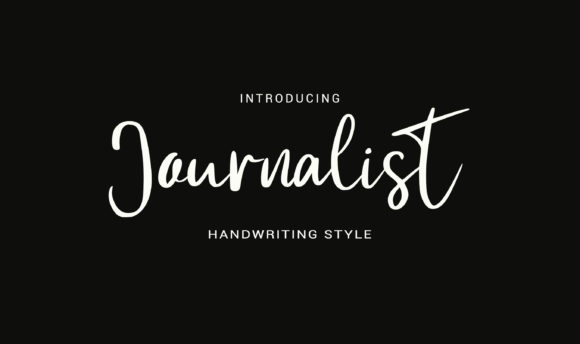
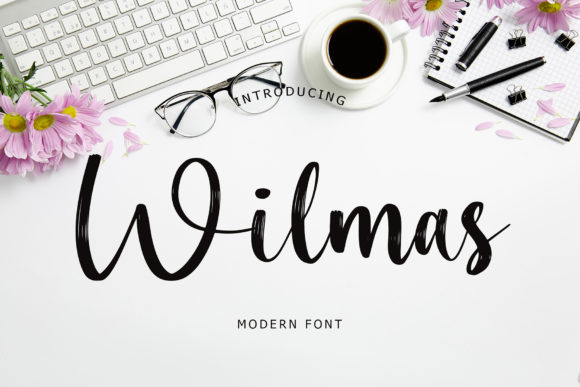
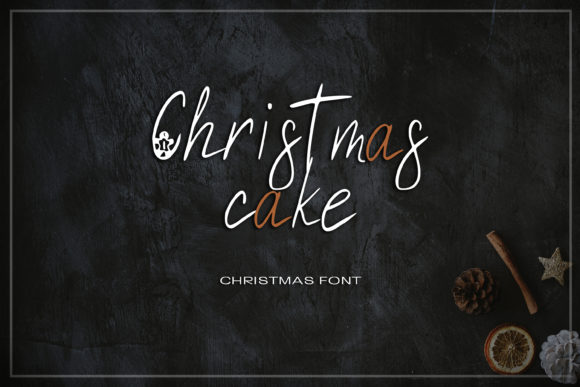
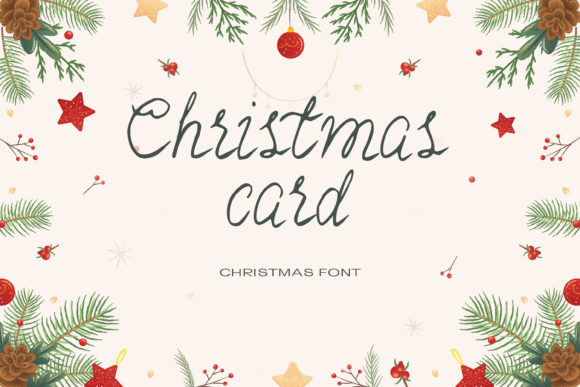
Green's handwritten style is characterized by its irregular, almost childlike strokes, making it stand out in a sea of more traditional, clean-lined fonts. This font is not just visually appealing; it also carries a personality that can be both whimsical and approachable. The natural, organic feel of Green makes it an excellent choice for brands and designs that aim to connect on a more human, relatable level.
Using Green in Web Design Elements
When integrating Green into your web design, consider its best uses:
- Website Headers and Hero Sections: Use Green for titles and taglines to create a welcoming and engaging first impression. Its playful nature can set a friendly and inviting tone for visitors.
- Landing Pages and Call-to-Action Areas: Short, impactful phrases in Green can draw attention and encourage user interaction. It’s particularly effective for creative and casual CTAs.
- Online Shop Banners and Product Descriptions: Incorporate Green in banners and short descriptions to add a touch of creativity and charm, especially for boutique or artisanal products.
- Blog Graphics and Social Media Posts: Green’s handwritten style can make blog headers and social media graphics more dynamic and shareable, enhancing your brand's visual identity.
Readability and Visual Hierarchy
While Green is highly expressive, it’s important to use it judiciously to maintain readability and a clear visual hierarchy. Here are some tips:
- Use for Titles and Headings: Green works well for main headings and subheadings, but avoid using it for long paragraphs or body text where legibility is key.
- Balance with Simple Fonts: Pair Green with a clean, simple sans serif font for body text to ensure readability and a balanced look. This combination helps maintain a professional yet creative vibe.
- Consider Mobile Readability: On smaller screens, use Green sparingly and at a larger size to ensure it remains legible. Test on various devices to ensure it looks good across all platforms.
Brand Tone and User Engagement
Green’s playful and quirky style can significantly influence the tone and engagement of your brand. For example, if you’re designing a creative portfolio, using Green for your name and section headings can make your site feel more personal and memorable. Similarly, for a coaching website, Green can add a touch of warmth and friendliness, making the content more approachable and trustworthy.
Font Pairing and Layout Rhythm
To achieve a harmonious and professional look, pair Green with complementary fonts. Consider these options:
- Sans Serifs: Fonts like Arial, Helvetica, or Open Sans provide a clean, modern contrast to Green’s handwritten style, enhancing readability and balance.
- Serifs: For a more editorial and sophisticated feel, pair Green with a classic serif font like Times New Roman or Georgia, which can add a touch of elegance to your design.
- Other Script Fonts: If you want to keep the handwritten feel, use another script font with a different style for variety, but be cautious not to overdo it and clutter the design.
Practical Considerations for Using Green
Before incorporating Green into your projects, check the following:
- Included Styles and Weights: Ensure the font includes the styles and weights you need for your design, such as regular, bold, and italic.
- File Formats and Webfont Availability: Verify that the font is available in the formats you need, including webfonts, and that it supports the languages you require.
- Commercial Licensing: Make sure to review the licensing terms, especially if you plan to use Green in commercial projects, client work, or online stores. Ensure you have the necessary permissions and licenses to use the font legally.
By thoughtfully integrating Green into your web designs, you can create a unique and engaging user experience that stands out. Whether you’re designing a creative portfolio, a boutique online store, or a coaching website, Green can help you achieve a distinctive and memorable brand identity.